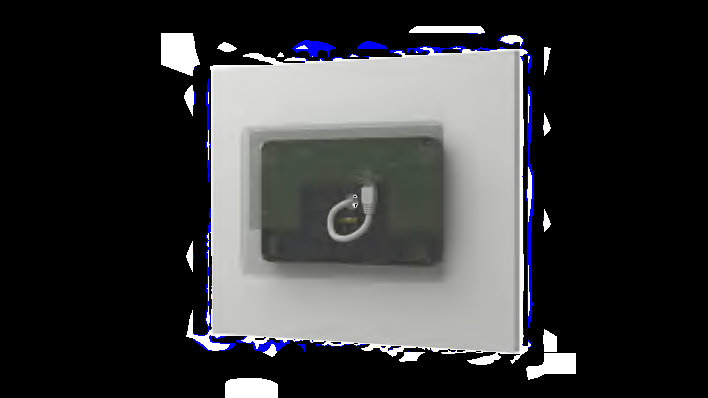
Option 1
Cable routing through the wall.
Get in touch with a Logitech expert about workspace solutions for your business.
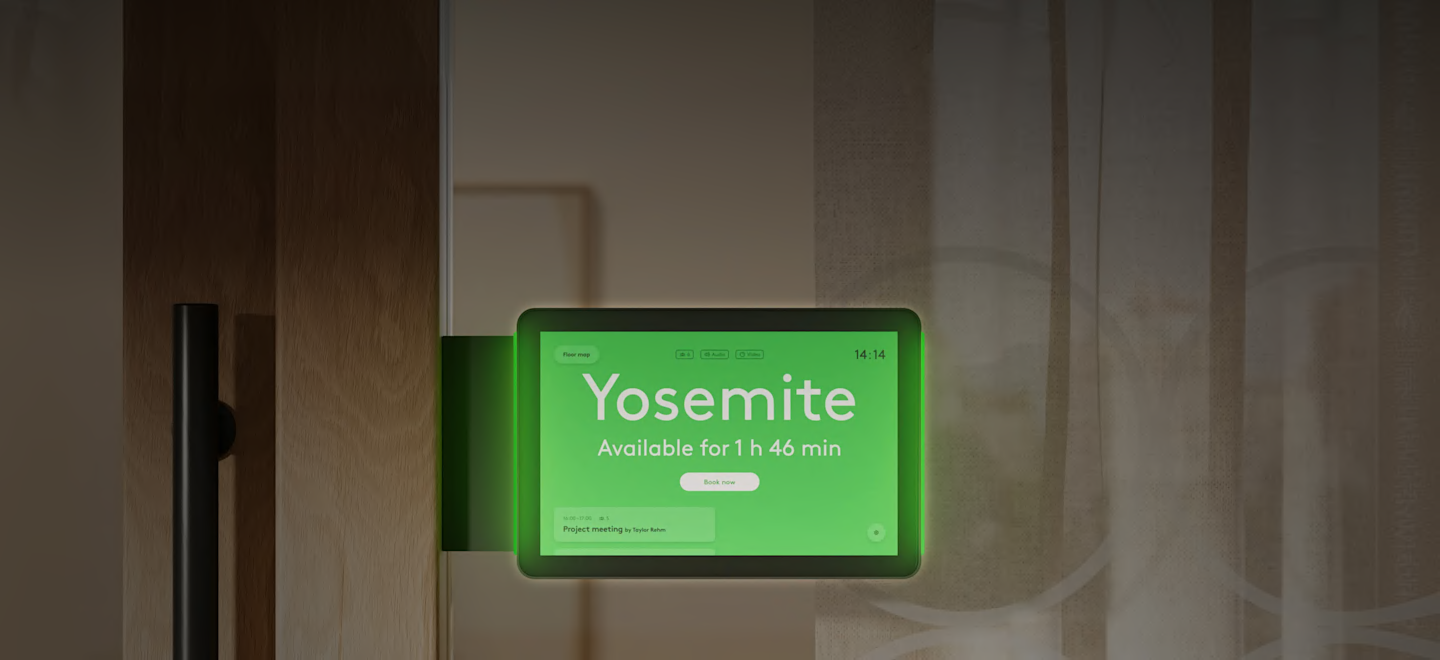


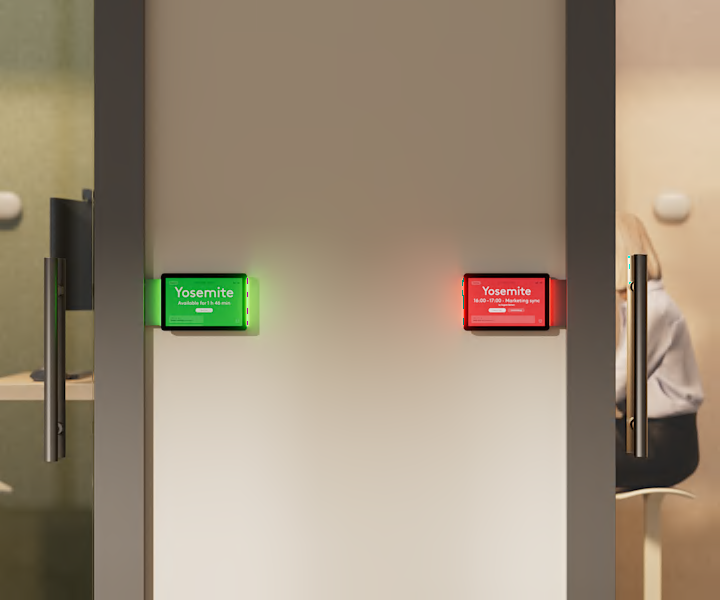
Find a space right when you need it with a purpose-built scheduling panel that lights the way to an open room. The vibrant touchscreen display wakes as you approach, so you can quickly see meeting details or reserve the room.

Highly visible LED lights help you quickly find an open room for your meeting, whether from up close or down a long hallway.
Tap Scheduler 2 integrates with leading space management platforms*, including Logitech Room Booking, Microsoft Teams, Zoom Workspace Reservation, Appspace, and Robin, to deliver a familiar and consistent booking experience for your employees.

Effortlessly install Tap Scheduler 2 outside any room with included mounts for glass, mullions, and walls. Deploy it with a single PoE cable connection that offers clean, flexible routing.
Secure Tap Scheduler 2 while maintaining a clean look on both sides of the glass.
Hide the cable through multiple routing options for a clean, professional install. Send power and data through a single category cable connection.
Cable routing through the wall.
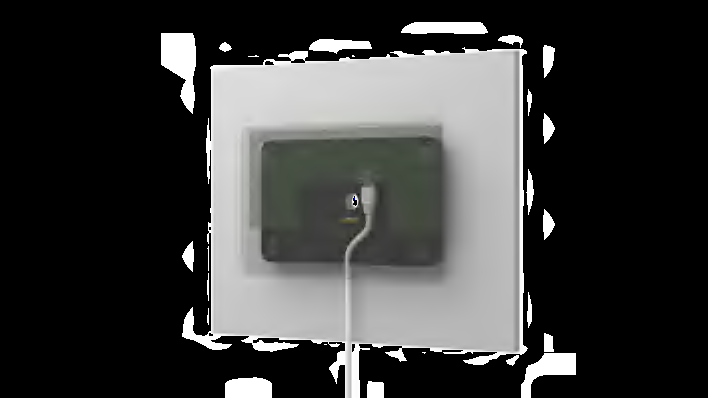
Cable routing down.
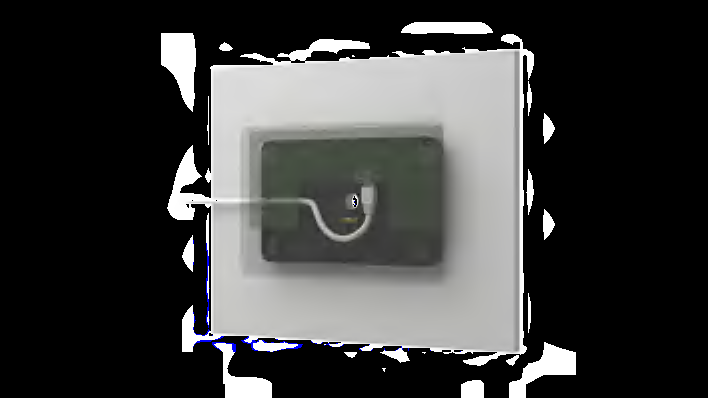
Cable routing to the side.
Logitech Sync
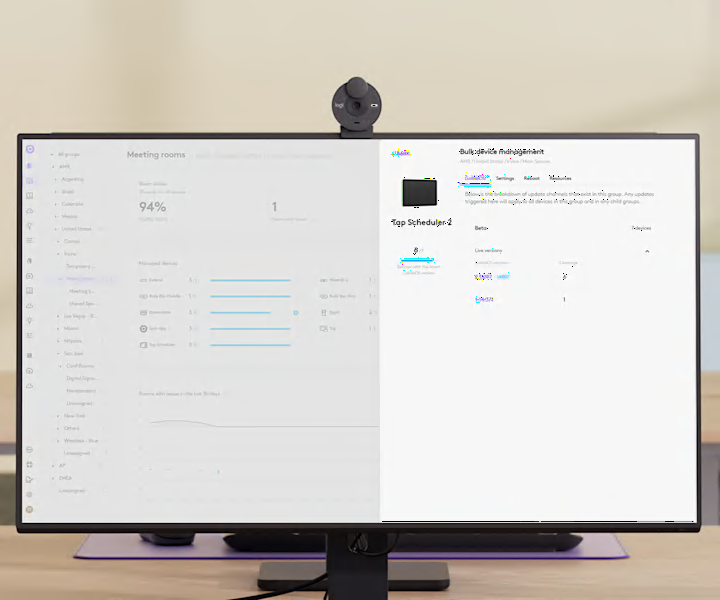
Effortlessly manage Tap Scheduler 2 alongside other Logitech devices with Logitech Sync. Configure devices quickly from any location, ensuring seamless setup and control from wherever you are.
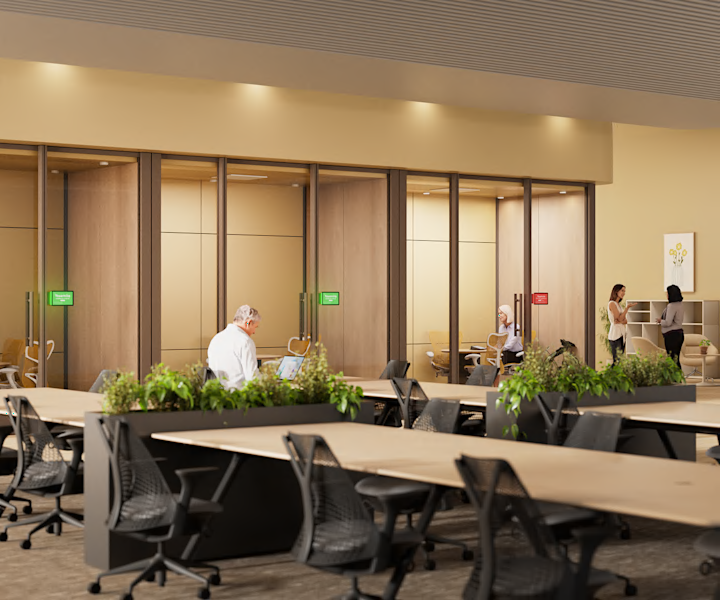
With auto provisioning, Tap Scheduler 2 automatically connects to Logitech Sync and is configured based on your specified settings. This makes getting rooms online faster, especially during large-scale rollouts.
Tap Scheduler 2 flexibly works with a host of workspace management platforms*, including Microsoft Teams, Zoom Workspace, Appspace, and Robin.


